Comparisons (In Workgroup)
-
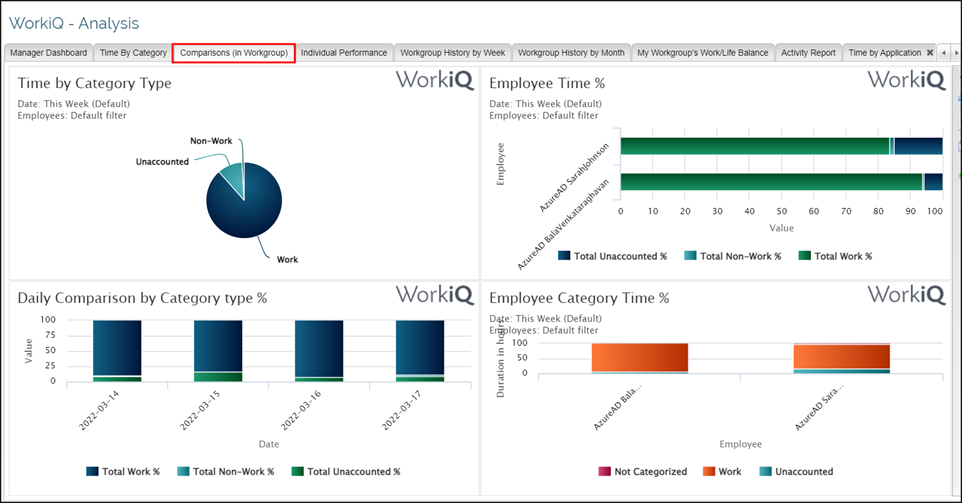
Navigate to WorkiQ>Analysis to display the window shown here.
-
Click on Comparisons (in Workgroup) to display the Comparison by Workgroup report.
-
The Tab has 4 views and shows:
-
Time by Category Type,
-
Employee Time %,
-
Daily Comparison by Category Type %,
-
Employee Category Time % .
Each of the 4 views have their respective drilldowns.
-
 .
.